Tesla Roadster Chase Controls
Keyboard, touch, and camera habits that keep police behind you.
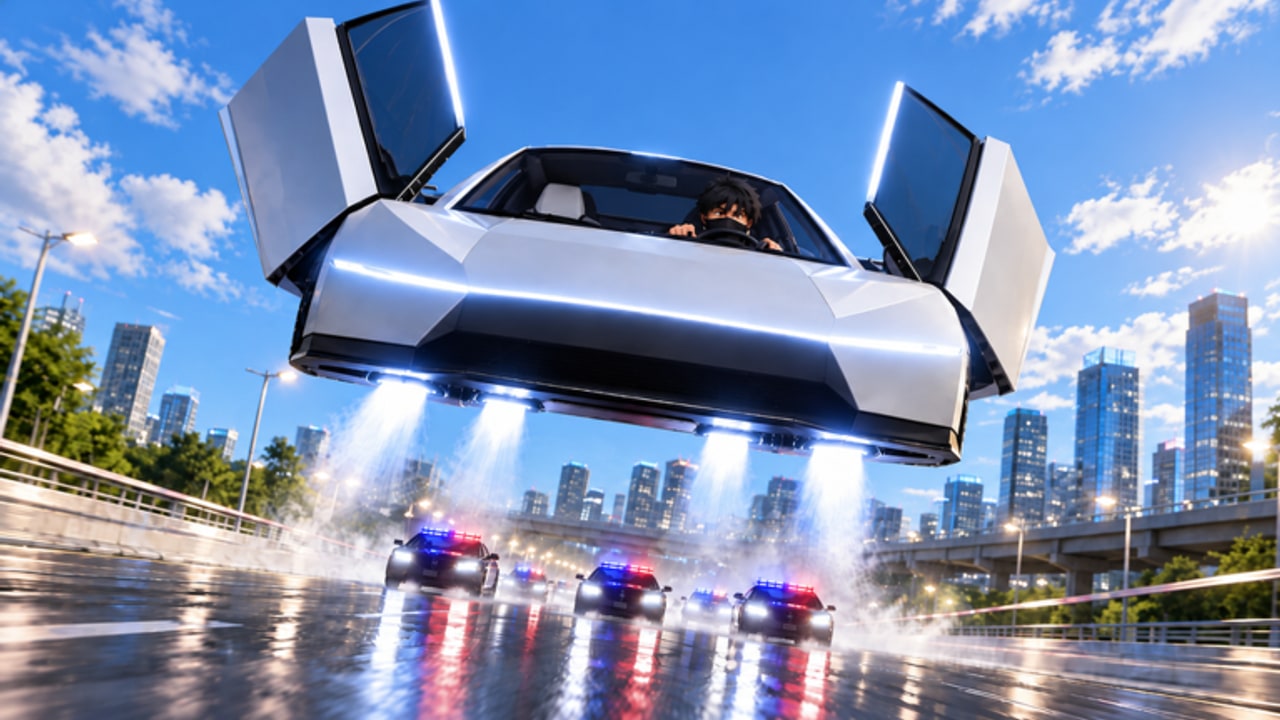
Mastering Tesla Roadster Chase controls matters as much as raw upgrades. The showroom steal is easy; surviving the first police wave on a busy highway is not. This Controls Hub explains how to drive, lift with Jets, manage the camera, and build muscle memory that pairs with the escape guide and upgrade tier list.
Tesla Roadster Chase runs on Roblox with a 16-player server size, so traffic is a mix of AI cars, other Roadsters, and police units. Smooth inputs stop you from bouncing into props that erase your Speed advantage.
PC controls (keyboard & mouse)
Exact keybinds can vary slightly with Roblox device settings, but the practical chase layout is:
| Action | Typical input | Chase tip |
|---|---|---|
| Steer | A / D or arrow keys | Feather turns at high Speed |
| Accelerate | W | Hold steady; avoid spam tap |
| Brake / reverse | S | Short taps to settle before Jets |
| Camera | Mouse move | Look through corners early |
| Zoom | Scroll wheel | Pull out on highways, in for alleys |
| Jets / lift | Context bind / on-screen | Tap for hops, hold for climb |
| Menu / Settings | Roblox menu + in-game Settings | Codes redeem at bottom of Settings |
If a bind feels wrong, open Roblox settings and confirm your movement mode before blaming the car. New players should complete one calm lap without police pressure using the Getting Started checklist.
Mobile & touch controls
Touch players rely on the on-screen stick and action buttons. Keep thumbs low so the Jets button stays reachable during sudden roadblocks. Landscape orientation gives a wider highway view. If the HUD covers a shortcut entrance, temporarily lower UI scale in Roblox settings.
Mobile-friendly pilot scripts exist on the Scripts Hub, but learn manual touch driving first. Automation cannot teach you when to cut a back road versus staying on the freeway.
Camera habits that win chases
- Lead the camera into turns before you steer hard.
- Widen FOV on highways so you spot cruisers merging from ramps.
- Tighten FOV in alleys to judge gaps accurately.
- Avoid staring at trails — unequip busy cosmetics if they hide curb edges.
- Recenter after Jets landings so you do not exit a hop sideways into a wall.
Driving fundamentals for Tesla Roadster Chase
Throttle control: Full Speed is useless if you enter every corner pinned. Lift slightly before sharp exits, then reapply throttle so Handling upgrades actually matter.
Jets timing: Use short hops to clear medians and spikes; save sustained climb for stacked police or blocked bridges. Overusing Jets drains focus and can slam you into overhead props. Details live in the upgrades guide.
Traffic weaving: Treat AI cars as moving walls. The map shortcuts guide shows back roads that skip the densest traffic cells.
Police awareness: Audio cues and red indicators matter. If heat rises, prioritize line-of-sight breaks over straight-line bragging speed.
Settings worth checking every session
- Graphics level high enough to see curb edges, low enough to keep stable FPS
- Shift lock / camera mode comfort for your device
- Volume balanced so sirens remain audible
- CODE field inside Settings for promo codes
Practice routine (15 minutes)
- Spawn, steal the Roadster, ignore police for one map circuit focusing on clean corners.
- Add Jets hops on three medians without crashing.
- Trigger a short chase and escape using one shortcut from the map guide.
- Spend earned cash on the next tier list priority.
- Redeem any new codes, then stop — short focused practice beats long tilted sessions.
Common control mistakes
- Holding turn keys at max Speed until the car spins
- Jumping Jets while already airborne into a bridge underside
- Camera locked on the car rear during multi-cruiser boxes
- Opening Settings mid-chase instead of after parking
- Buying style upgrades before your fingers can handle the new Speed
After controls, what next?
Learn escape patterns in How to Escape Police, plan spends with the Tier List, and track new systems on the Updates Hub. Gameplay footage embedded on this page shows real chase pacing so you can mirror camera movement and throttle rhythm.
Unofficial Roblox fan wiki — not affiliated with Tesla or North & Co. Games.
Frequently Asked Questions
Quick answers for Tesla Roadster Chase players.
What are the Tesla Roadster Chase controls on PC?
Use WASD or arrows to drive, mouse to look, and the Jets action to hop or climb. Open in-game Settings for the CODE box and Roblox settings for bind preferences.
How do I use Jets effectively?
Tap Jets for short hops over medians and roadblocks. Hold for climbs only when ground routes are blocked. Recenter the camera as you land.
Are mobile controls viable in Tesla Roadster Chase?
Yes. Play in landscape, keep the Jets button reachable, and practice throttle feathering. Manual skill still beats relying only on pilot scripts.
Why does my Roadster feel uncontrollable after upgrades?
Speed without Handling outpaces your inputs. Buy a Handling tick, slow down before sharp corners, and practice the routine on this Controls Hub.