Tesla Roadster Chase Scripts
Auto chase, garage upgrades, crate helpers, and pilot tools players search for.
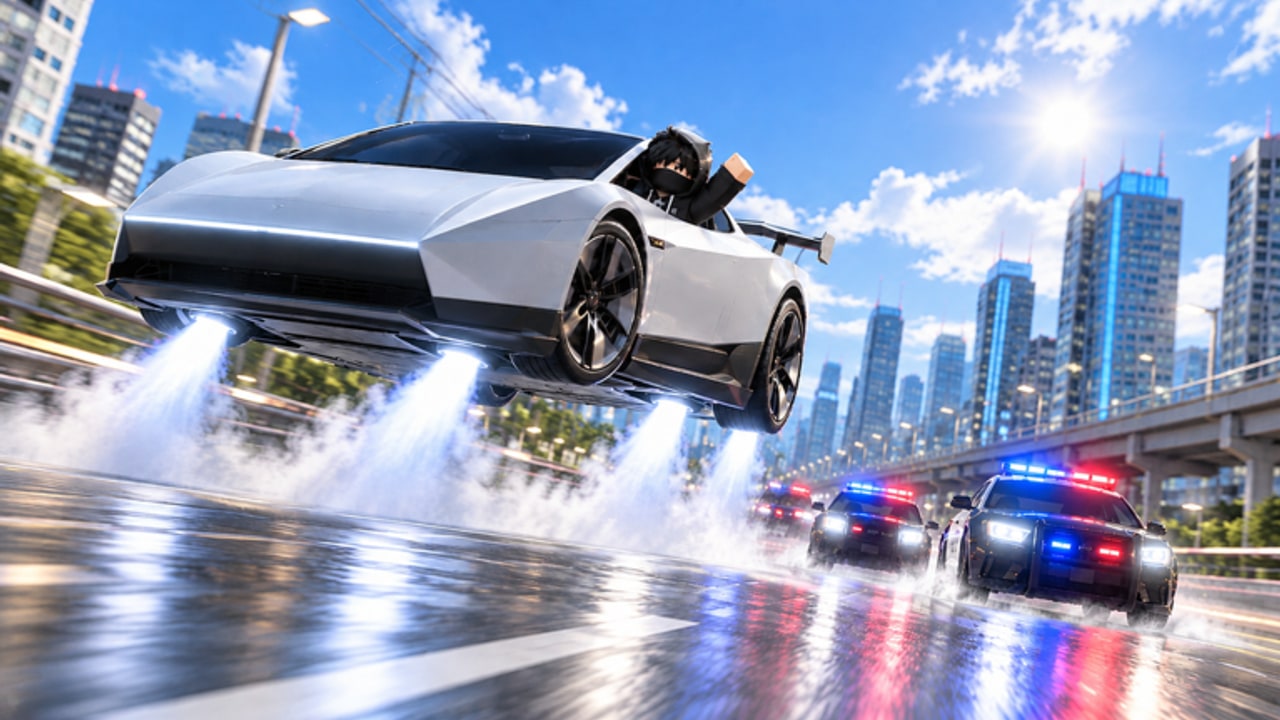
This Scripts Hub collects popular Tesla Roadster Chase script loadouts that players use for auto chase routes, garage auto-upgrade loops, crate opening, and mobile pilot assists. Scripts can speed progression, but they also risk kicks, bans, or broken saves when executors fail or anti-cheat updates land. Read every warning below before you paste anything into an executor.
Tesla Roadster Chase rewards clean driving skill: stealing the showroom Roadster, reading police heat, and spending cash on Speed, Jets, and Handling. Scripts mainly automate the grind around that loop. If you are brand new, finish the Getting Started guide and learn manual escape techniques first so you understand what a script is doing on your behalf.
Safety checklist before running any script
- Use a secondary Roblox account when testing unknown loadstrings.
- Prefer well-known executors that your device actually supports; compatibility changes weekly.
- Never enter your password on third-party “claim reward” pages that mimic Roblox.
- Disable scripts before joining Admin Abuse public showcases if you want a fair session.
- If you get kicked immediately, stop, update the script, and check recent patch notes on the Updates Hub.
We do not guarantee any script stays undetected. Roblox enforcement and game-side checks change without notice.
Script 1 — Barrage Auto Farm / Auto Chase
Focus: Auto Chase presets, police level selection, crate automation, and garage auto-upgrade.
Typical features reported by players:
- AUTO CHASE with presets: Blatant, Custom, Safe, Sky Farm
- Police Level choices: Normal, Hard, Extreme, Insane, Best Unlocked
- Chase Path: Map Roads or Sky Road
- Optional mods: Cop Takedowns, Infinite Boost, Infinite Fly, Speed Boost
- Chase Failsafe with stuck-time and map-retry sliders
- Auto Crates (open / buy) with keep-cash thresholds
- Auto Upgrade order: Cheapest First, Jets First, or Speed First
Loadstring:
loadstring(game:HttpGet("https://barrage.cc/loader"))()How to use: Join Tesla Roadster Chase, open your executor, paste the loadstring, execute, then configure Chase → Garage → Crates tabs before enabling automation. Start on Safe or Sky Farm if you want fewer collisions while learning routes.
When it helps: Overnight cash goals, testing upgrade priority from the tier list, or clearing crate stock after redeeming codes.
Script 2 — Roadster Pilot (mobile-friendly hub)
Focus: On-screen pilot panel for drive assist, flight height holds, hideout slots, and escape routing.
Typical features:
- Auto Drive with soft or aggressive acceleration
- Flight height lock and landing helpers
- Escape aim that steers away from recognized police models
- Hideout save slots and multi-point route follow
- Telemetry for studs/second and trip distance
- Side-switchable mobile UI
Loadstring / source style: Search current “Roadster Pilot” or “Testla pilot” listings for the latest paste; mobile-ready hubs refresh often after UPDATE patches. Paste only from a listing you trust, then bind the car with the in-panel Tools tab before enabling gas or flight.
When it helps: Controllers and touch players who need steadier chase lines, or creators recording clean highway clips without fighting the default camera.
Script 3 — Universal command menu (utility)
Some players load a general admin command GUI for movement utilities while testing map geometry. A commonly shared loadstring is:
loadstring(game:HttpGet('https://raw.githubusercontent.com/EdgeIY/infiniteyield/master/source'))()Treat this as a generic utility, not a Tesla Roadster Chase specialist. Many commands are unrelated to chases and can break immersion or flag unusual movement. Prefer game-specific hubs above when you only need auto chase or garage help.
Recommended settings for fewer fails
- Cap top-speed sliders below the point where you clip through props.
- Enable Chase Failsafe with a modest stuck timer (around 3–5 seconds).
- Keep a cash reserve so auto-upgrade does not empty your wallet before crates.
- Prefer Map Roads during daytime traffic practice; switch to Sky Road when ground cops stack.
- After any major patch, re-test on an alt before your main account.
Scripts versus legitimate progression
Codes, quests, racing from UPDATE 1, and smart garage spending still matter. Redeem active codes, follow the upgrades guide, and learn map shortcuts so you are not fully dependent on automation. Official Admin Abuse events can invalidate scripts mid-stream — park the executor and play manually when the developer is live.
FAQ-driven troubleshooting
If Auto Chase stalls under bridges, raise height slightly or switch path mode. If Auto Upgrade buys style first, force Speed or Jets priority. If crates fail to open, confirm you still have inventory room and that the script’s crate list refreshed after the latest update.
For pure skill practice, close scripts and use the Controls page plus escape guide. For patch timing that breaks scripts, watch the Updates Hub.
Unofficial fan wiki — not affiliated with Roblox, Tesla, or North & Co. Games.
Frequently Asked Questions
Quick answers for Tesla Roadster Chase players.
What is the best Tesla Roadster Chase script right now?
Barrage-style auto farm hubs are the most requested for Auto Chase, crates, and garage upgrades. Roadster Pilot hubs suit mobile players who want on-screen drive and flight assists. Always re-test after patches.
Are Tesla Roadster Chase scripts safe?
No script is guaranteed safe. Use alt accounts, avoid phishing pages, and expect kicks or bans when anti-cheat or game updates change. This wiki cannot protect your account.
How do I run a Tesla Roadster Chase script?
Install a compatible executor, join the game, paste the loadstring into the executor editor, press Execute, then configure presets before enabling Auto Chase or Auto Upgrade.
Why did my script stop working after an update?
UPDATE 1 and Admin Abuse patches often rename remotes or change police AI. Wait for script authors to update, or play manually with our escape and upgrades guides until a fix lands.